Best practices for generation
The rules that decide whether a film is ready to publish, in the order they matter. They hold whether you work in the web app, through the API or through an assistant over MCP.
- 1. The narration is the length
- 2. Inspect before you film
- 3. Film something happening
- 4. One idea per scene
- 5. Different shots, different places
- 6. Say the facts in
focus - 7. Choose visuals, motions and transitions on purpose
- 8. Generate only what the page cannot show
- 9. Silent scenes are allowed
- 10. Read the result before you call it done
- 11. Fix, don’t remake
1. The narration is the length
A scene lasts exactly as long as the words spoken over it: the voice is one continuous track and the pictures are cut to it. So you set a film’s running time by the number of words, at roughly 110 words a minute:
| Film | Words |
|---|---|
| 15 s | ~25 |
| 30 s | ~55 |
| 45 s | ~80 |
| 60 s | ~110 |
target_seconds is a brief the result is measured against, not a lever — asking for 30 seconds over 120 words gives you a minute. trim_scene only changes a silent scene; a narrated one is as long as its narration.
2. Inspect before you film
Call inspect_page (or look at the page yourself) in the aspect ratio you will film: 9:16 films the site’s mobile layout in a phone viewport, 16:9 and 1:1 the desktop one, and the ranked subjects differ. It lists what the camera can point at — cta: buttons, search:/chat:/input: fields, cards, pricing blocks, images — each with a selector, and warns you (blocked) when the site answers with a robot check or a sign-in wall instead of the real page.
3. Film something happening
The strongest shot a page can give you is an action on it, not a view of it:
clickglides the cursor onto the real call-to-action, presses it and lets the page answer.typeputs a real query into a search or chat box and holds while the site responds.
A film that tells a viewer to press a button nobody was shown pressing is asking them to take it on trust. Never type a name, an email, a password or anything personal — it goes into somebody’s live website, on camera.
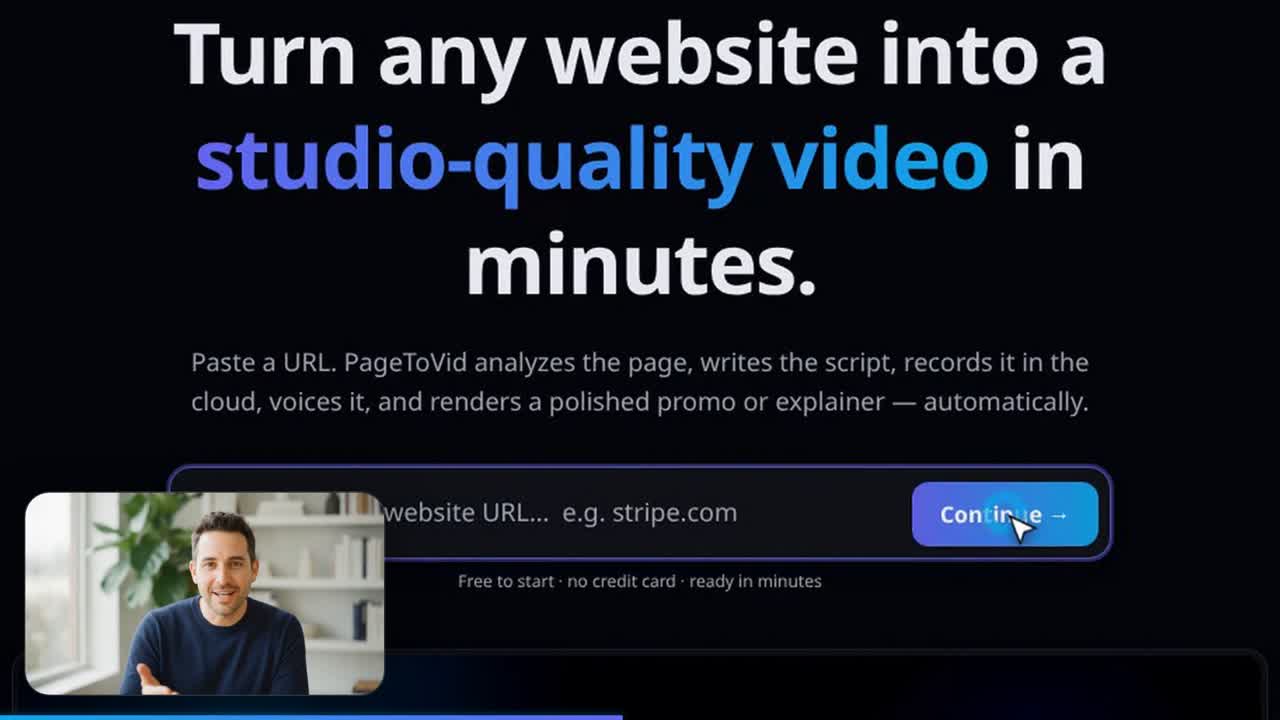
4. One idea per scene
Two ideas in one scene is the most common reason a film feels rushed. Keep a body scene under about 30 words; if a beat needs more, it is two scenes framing two different parts of the site. Aim for the top of the scene range, not the bottom: past ten seconds on one subject the viewer has read everything on screen and is waiting.
5. Different shots, different places
Every filmed scene should frame a different part of the site — another section, another page, a different element. The same page and selector twice reads as the film repeating itself.
6. Say the facts in focus
focus is context the page cannot show: the offer, the audience, a launch to lead with, something to avoid. Anything written there may be voiced as fact, so put only what you are prepared to have said in your customer’s voice. A line in quotation marks is placed verbatim, usually as the hook.
7. Choose visuals, motions and transitions on purpose
Each scene has three independent choices, all published by list_motions:
- Visual — what it is drawn as (21 of them: statement, chart, timeline, grid, pricing, quote, a message thread, a before/after wipe…), or a recording of the site.
- Motion — how its contents animate in. It must belong to the visual’s family.
- Transition — how the scene arrives: cut, crossfade, whip, zoom punch, flash, swipe, glitch.
A motion or transition you name is the one you get; nothing is silently swapped. When you name none, the film’s cutting rhythm follows from what it is — an ad or a 9:16 film cuts hard, a long read crossfades.
8. Generate only what the page cannot show
Most beats can be filmed from the page. For the ones that cannot — an idea, a feeling, a before, a person — an image scene takes data.generate (a still, 40 credits) or data.generate + data.clip (a few seconds of film: 311 credits for the house clip, or the named model’s price). A line in quotation marks inside generate is spoken by the person in the clip. Keep one face across a film with a character, and choose the model per scene — see AI clips and AI models.
9. Silent scenes are allowed
A scene with empty narration has no voice-over: it holds for its duration_seconds, and if a presenter or a character is speaking in it, the scene is held until their last word — measured from the clip itself — so nobody is cut off. This is how a film carried by a presenter, with no narrator at all, is made. See A presenter in the corner.
10. Read the result before you call it done
get_video returns warnings in plain sentences — a visual that failed, one skipped for want of credits, a scene held for less time than its words — and a quality score. get_storyboard shows every scene with what it was drawn as, how long its words take to say against how long it was held, and the page each shot was captured from. A film can finish (status: done) and still not be whole.
11. Fix, don’t remake
update_storyboard changes a film in place — rewrite a line, correct one figure with set_data, re-point the camera with set_shot, add a presenter with set_inset — then rerender_video makes the new film for a render’s 40 credits. The operations in one call build on each other and are applied or refused together. Captions out of step with the voice are re-timed with rerender_video and captions_only: true — no new take, free once per render.