PageToVid documentation
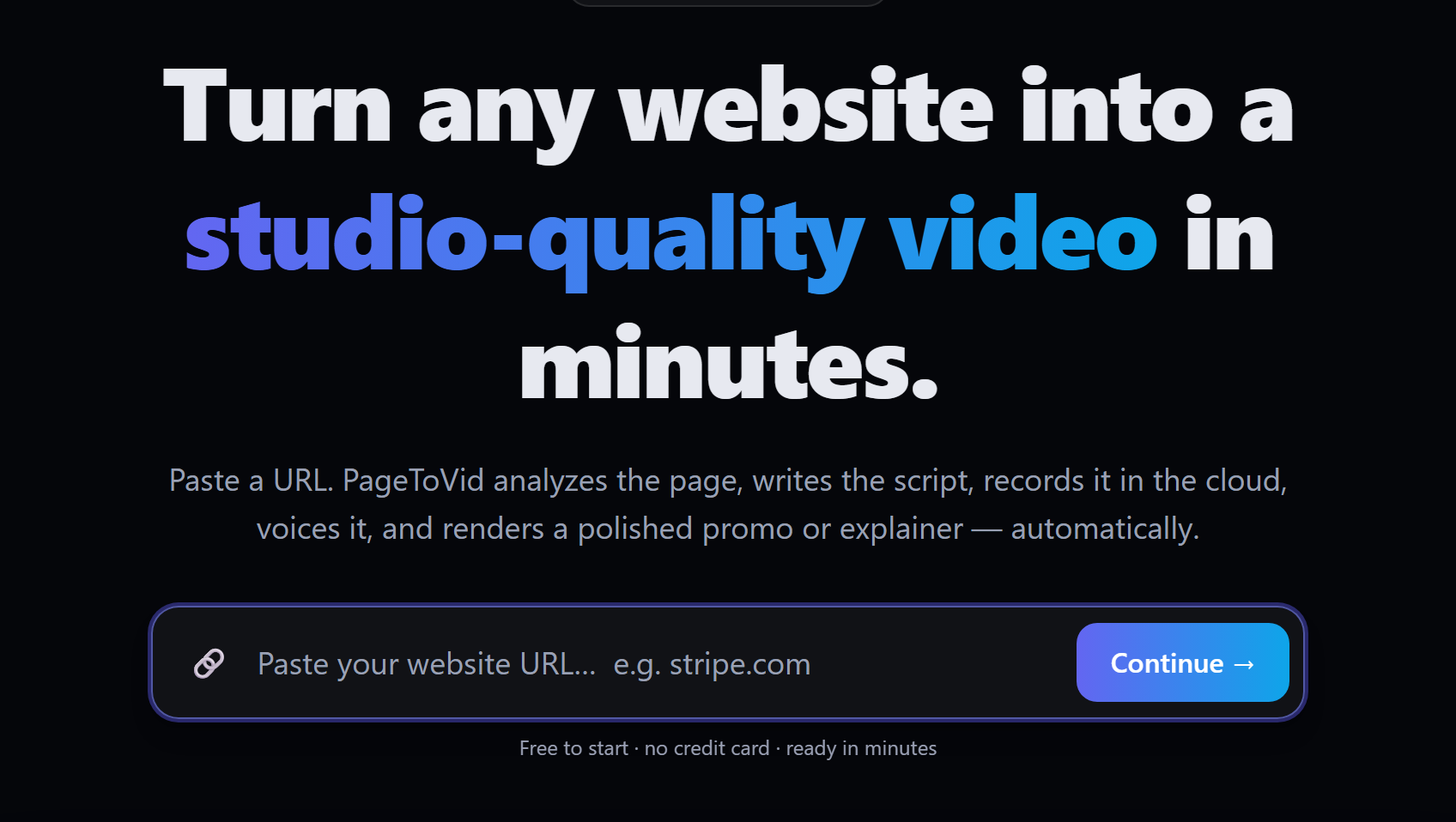
Paste a link, get a video. PageToVid reads a page, writes the script, films the site in a real browser, records the voice-over and renders a captioned MP4 — or builds a film from a storyboard you write yourself.
Start in the web app Connect your AI assistant Use the API
Three ways in
| Best for | Start here | |
|---|---|---|
| Web app | One film at a time, edited visually with a live preview | Getting started |
| MCP server | Asking Claude, Cursor, VS Code or Codex for a film in plain words | MCP server |
| REST API | Automations, bulk generation, video previews in your product | API |
What a film looks like
Both films below were made entirely through the MCP server, and are the ones the guides refer to.
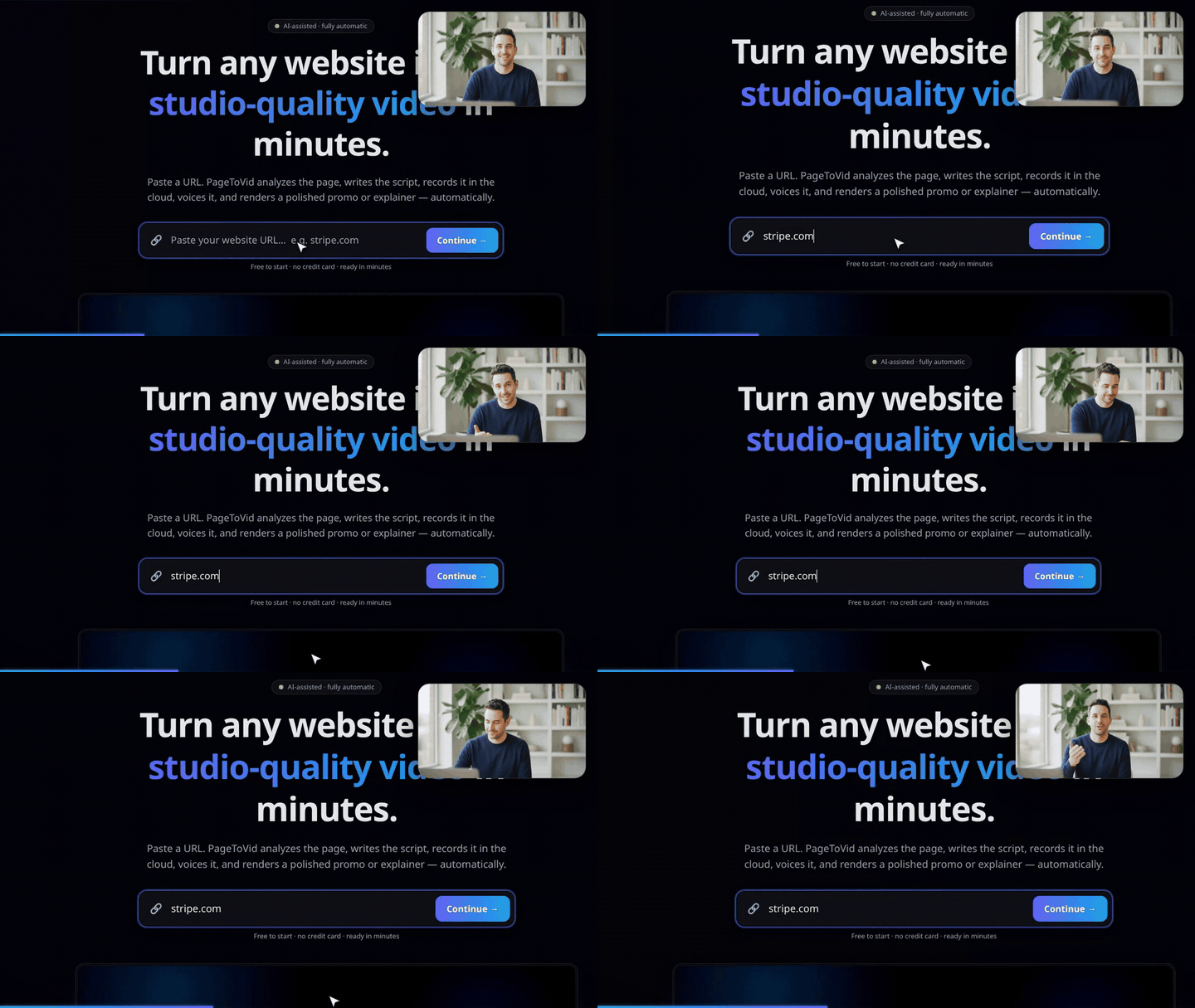
A presenter in the corner, no narrator
Sam — a recurring AI character — walks through the product from the corner of the frame while the real site is filmed full-screen. Every word is his; there is no voice-over. How it was made.
Generated clips, narrated
Three scenes generated by Seedance 2.0 Mini, cut together with a motion-graphic timeline and a calm narrator. How models are chosen.
More than screencasts
A film does not have to be only the website. Where the page cannot show a beat, a scene can be a generated clip, the same recurring person can appear in every shot, and a presenter can talk from the corner while the real site plays full-screen.
| What it is | Guide | On the website | |
|---|---|---|---|
| AI clips | A few seconds of generated film with sound, model chosen per scene | AI clips | pagetovid.com/features/ai-clips |
| Characters | One face kept across every clip of a film | Characters | pagetovid.com/features/ai-characters |
| Presenter | A character talking in the corner over the real site | A presenter in the corner | pagetovid.com/features/presenter |
A film is 40 credits; AI clips and stills are priced on top — see Credits & pricing.
The one rule to remember
The narration is the length. A scene lasts exactly as long as the words spoken over it, because the voice is one continuous track. You set a film’s running time by writing more or fewer words — about 110 words a minute — not by asking for a duration. A scene with no narration is silent and holds for as long as you tell it to.
Everything else is in Best practices.